---
title: Deploy from Chat
url: "/learn/getting-started/chat/"
canonical_url: https://docs.blossom88.com/learn/getting-started/chat/
markdown_url: https://docs.blossom88.com/learn/getting-started/chat.md
summary: Connect Blossom in your browser, preview a ready-made App, and deploy it
from chat with nothing to install locally.
categories:
- learn
- ai
---
# Deploy from Chat
Deploy a working App from ChatGPT or Claude and open its live URL. Everything
happens in your browser, with nothing to install on your computer. Start with
the FastAPI Quickstart, a ready-made Python web App with its code and settings
already supplied.
## 1. Connect Blossom
Choose the AI app you already use:
| AI app | Connect in your browser |
|---|---|
| ChatGPT | [Connect Blossom to ChatGPT](/docs/ai-agents/connect-ai-apps/chatgpt/) |
| Claude | [Connect Blossom to Claude](/docs/ai-agents/connect-ai-apps/claude/) |
Sign in with Blossom, choose your Account, and select **Full access** so
this connection can preview and deploy. Full access lets the chat make
changes in that Account. Then open a chat with Blossom enabled.
In ChatGPT, use `@` to select Blossom when sending each prompt below.
Already connected? Continue in that chat. If the connection has **Read only**
access, reconnect with **Full access** to deploy. For another AI app, follow
[its connection steps](/docs/ai-agents/connect-ai-apps/).
## 2. Preview your first App
> **Ask your AI agent:** Preview the FastAPI Quickstart on Blossom Cloud.
Check which Account is connected and review what would run. The preview
creates no running resources.
| Detail | What it means |
|---|---|
| App | Your FastAPI example, usually named `python-fastapi` |
| Location | The Blossom Cloud region where it will run |
| Environment | The live copy of the App, usually called `production` |
| Public Service | The website you will open at its HTTPS URL |
Ask for another name or region and preview again before continuing.
## 3. Deploy
When the preview looks right, send this in the **same conversation**:
> **Ask your AI agent:** Deploy the FastAPI setup we reviewed and send me the App and Environment links.
The first deployment takes a few minutes while Blossom builds the example.
Your AI app checks its progress and replies with both links. You can ask
**"How is that deployment going?"** in the same chat at any time.
## 4. Open your App
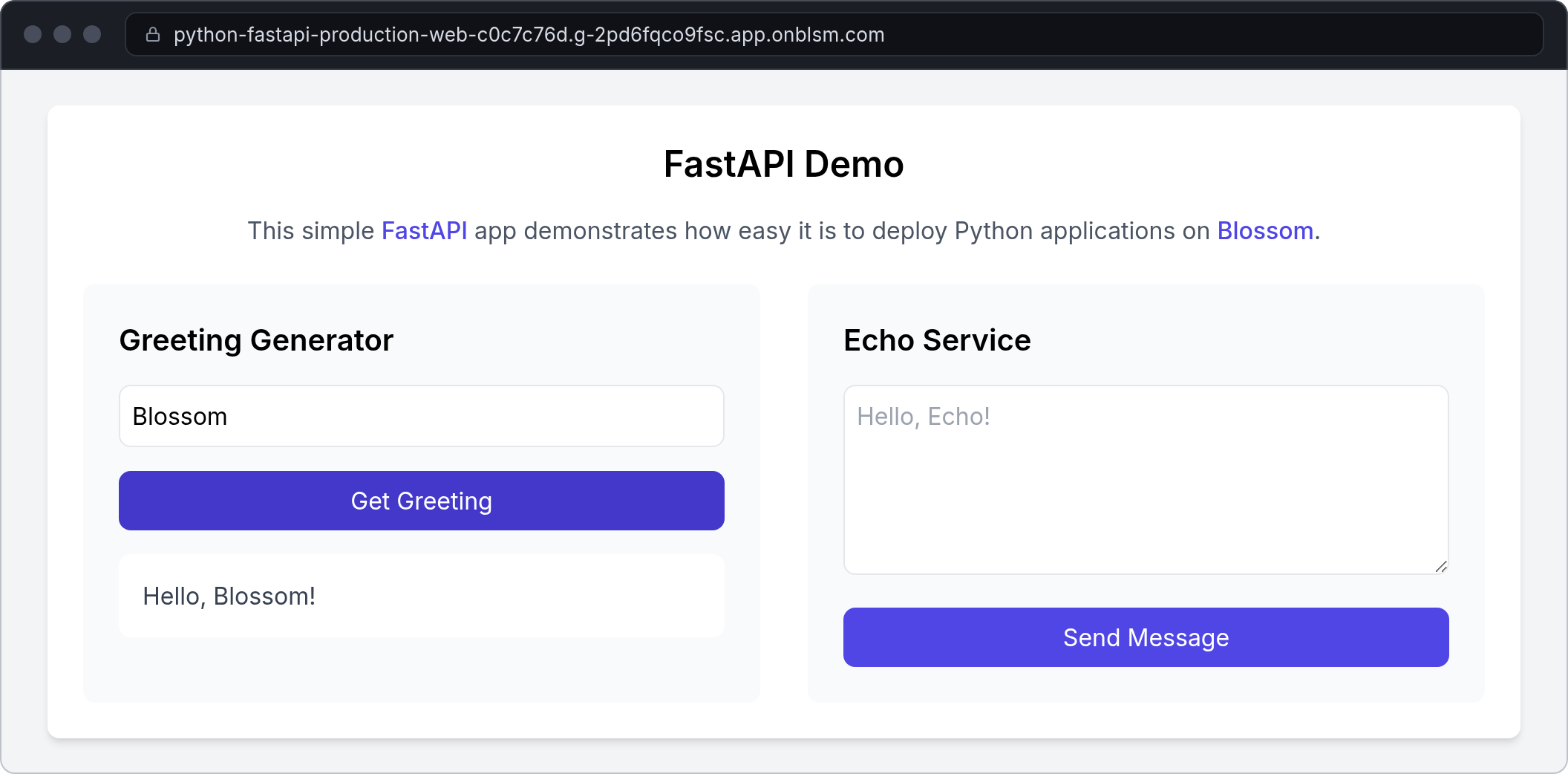
Open the **App URL** from the reply to use your live FastAPI example.
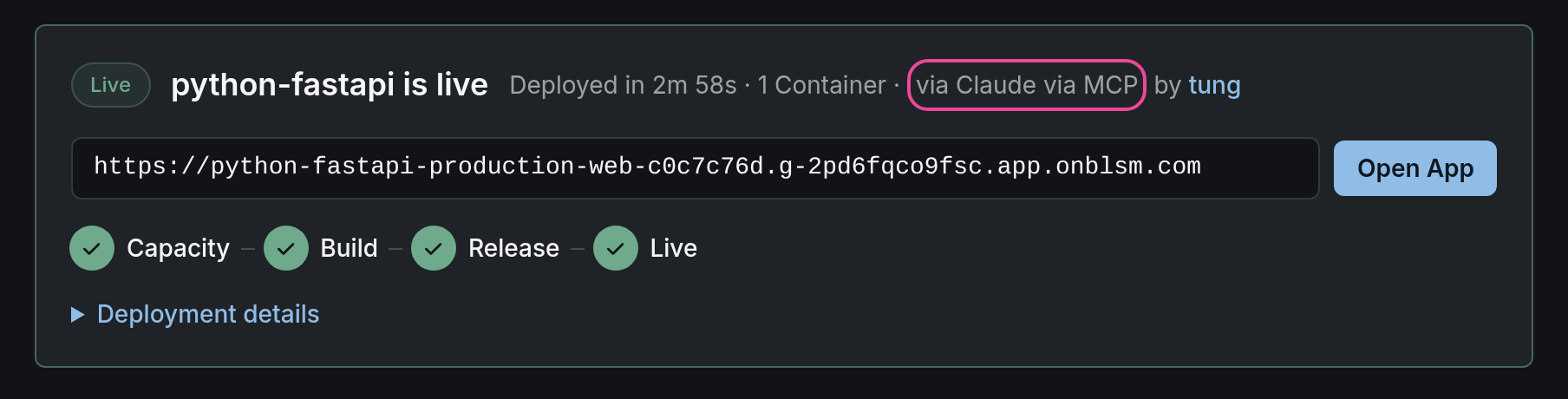
Open the **Environment** link, select **Activity**, then the deployment to see
its steps and logs. It also shows which AI app started it. **Open App** opens
the live example from there too.
## Try your own App
Share your Git repository URL in the same chat and ask for a deployment
preview. If you're building in a coding agent that can read your project
files, [deploy with the CLI](/learn/getting-started/cli/).
Commands behind the chat
Your AI app calls Blossom directly. These are the equivalent CLI commands
for the actions above:
| Chat action | Equivalent CLI command |
|---|---|
| Check the connection | [`blossom whoami`](/docs/reference/cli/whoami/) |
| Preview the App | [`blossom app_plan:preview`](/docs/reference/cli/app_plan/preview/) |
| Deploy the reviewed setup | [`blossom app_plan:deploy`](/docs/reference/cli/app_plan/deploy/) |
| Follow progress | [`blossom activity:wait`](/docs/reference/cli/activity/wait/) |
## What You Get
- A working FastAPI App on its own public HTTPS URL
- Deployment steps and logs in the Environment's **Activity**
- A connected chat ready to preview, deploy, and check on your Apps